Always right where you left it
Every capture and edit lives in your browser. Close the tab and come back later — your work is waiting, exactly as you left it.
~/snappy
● 12 captures on device
Snappy is the friendly way to capture any part of a web page, add clear annotations, and share it with your team or friends — right in your browser. No account, and nothing ever leaves your device.
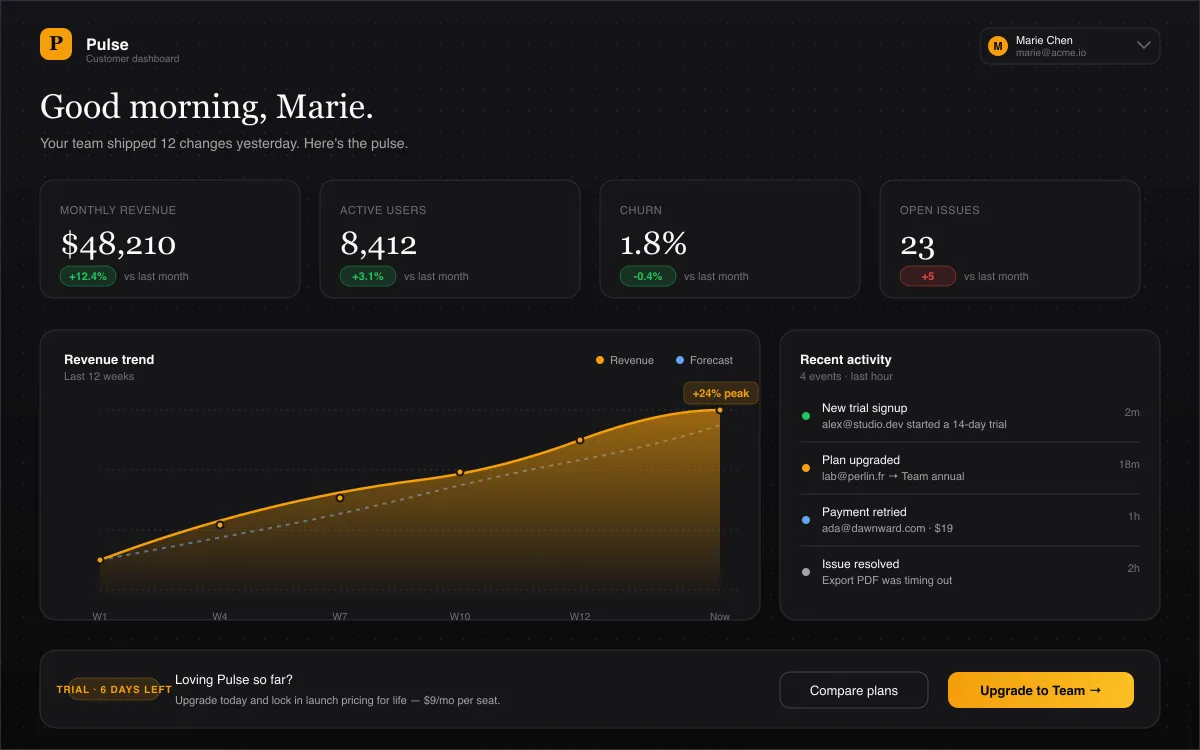
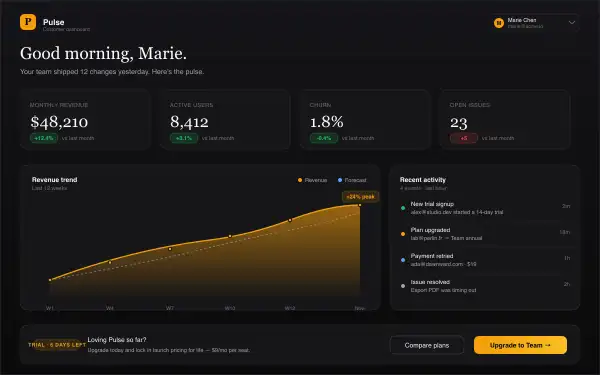
This isn't a video — it's the actual Snappy editor, loaded right into this page. Mark up the sample dashboard, undo, redo, switch tools. Give it a try.
Why people love Snappy
A simple, focused tool for capturing what's on your screen and sharing it clearly — without the fuss.
Every capture and edit lives in your browser. Close the tab and come back later — your work is waiting, exactly as you left it.
No account, no email, no tracking. Snappy never sees your screenshots — that's how it's built, not a setting you toggle.
Send it off in a click — copy to your clipboard, download, or hand it to your team. No upload step.
Grab an element, a region, or the whole tab — down to the pixel. Export to PNG or WebP.
Every action has a shortcut — capture, save, undo, switch tools. Never reach for a menu.
Arrows, numbered steps, text, and shapes that line up on their own. Blur out anything private — fast.
Capture what matters, mark it up so anyone gets it, and share it with your team or friends.
Grab any element, region, or full page — pixel-perfect.
Arrows, text, counters, blur — get your point across at a glance.
Copy, download, or send it to your team — straight from your browser.
Frequently asked
If you don't see your question, email us at snappy@pandor.dev — we read every one.
One click to add it to Chrome, and you're capturing right away. No sign-up, no fuss.
Free · Local-first · Private